Workfloor modules extend EZ-MES with focused tools for specific functions and roles. Each module has its own interface with only the workflows its users need.
Categories
Workfloor modules are organized into categories that align with established software segments in manufacturing. Select a category to explore its modules.
Architecture
Purpose-built solutions
PLM
Asset Management
QMS
Inventory Management
Reporting
Systems & Integration
User experience layer
Clean, role-based interfaces with focused workflows per module.
Intelligence layer
Business rules & logic
Secure APIs to EZ-MES
Rapid development
Execution backbone
Real-time execution, product tracking, genealogy, workflows and data capture.
Access
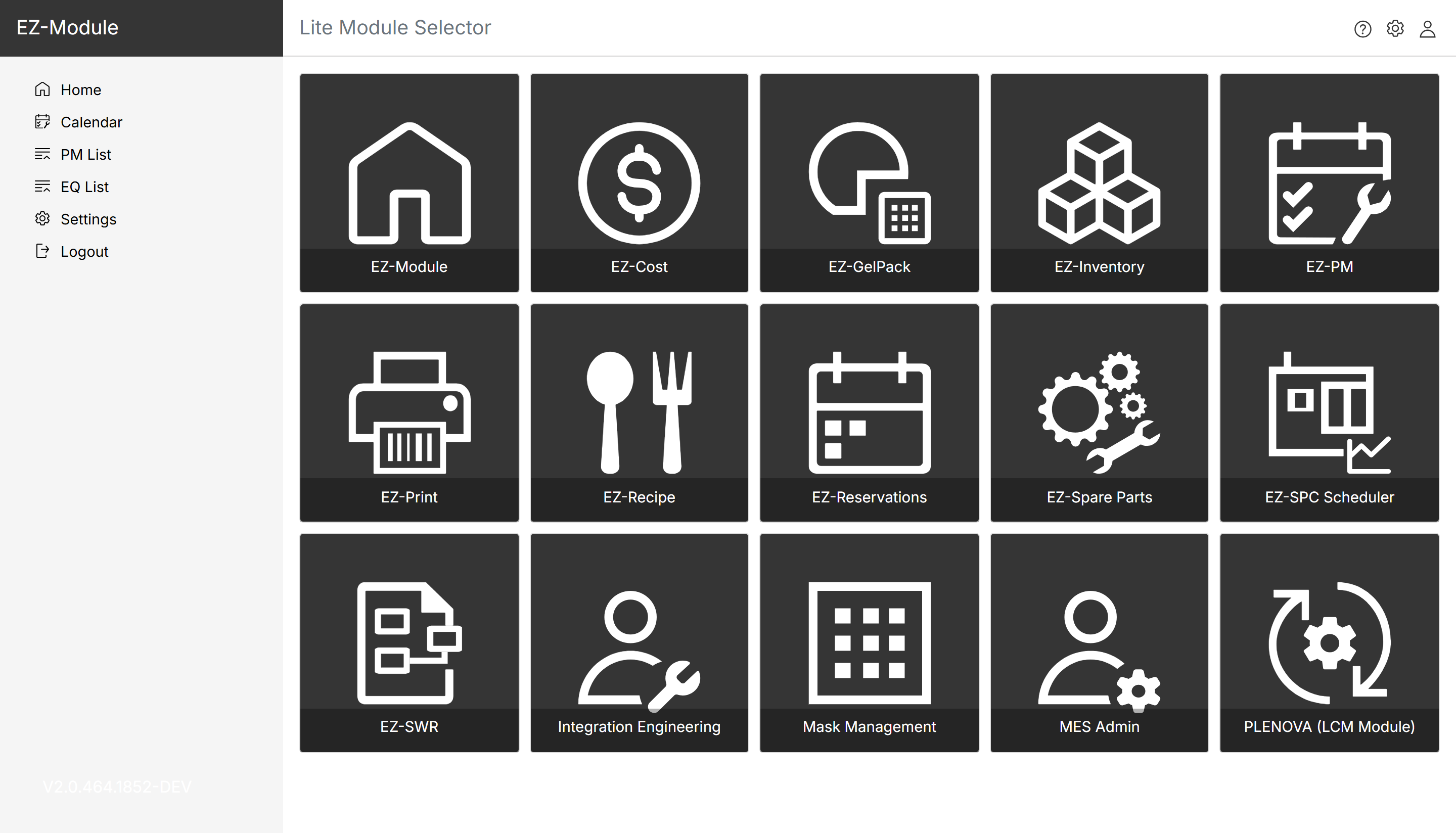
Workfloor gives users a tile-based overview of their modules. One click opens the module relevant to their role, with no searching and no clutter.
User roles and permissions determine which tiles each user sees, so everyone gets a clear overview of the modules they are authorized to use.
Selecting a tile opens the module's home page, with:
Why it matters
Start with the modules you need today and expand over time, without re-engineering your core systems.
Business logic lives in EZ-BRM, so modules can be developed and customized quickly.
Custom functionality is decoupled from the core MES.
Each module shows only what its users need, so less training is required.
Add modules as your needs grow.

